FitRoom Experience — Gym Site & Membership Platform
Overview
FitRoom Experience needed a public face and the software to run the business behind it, so the site is both. The front is a bilingual one-pager — hero, eleven services, the live weekly timetable, an about section and contact — plus a memberships page carrying twenty plans and nine offers taken from the owner's printed price card. Behind the sign-in a member registers without choosing a password, books from a timetable that walks forward a whole quarter, joins a waitlist when a class is full, sets one standing weekly booking that renews itself, sees what she has paid and what she still owes, and can export or erase her own data. The owner gets seventeen back-office screens: clients, plans, class types, the schedule, closures, offers, page content, subscriptions, payments, debts and their ageing, the class register, a check-in kiosk for a tablet on the door, an email log with resend, and statistics — revenue, a capacity heatmap, attendance by class family, expiring subscriptions and a CSV export. Nineteen email templates in both languages run over a vendored PHPMailer with retry backoff. Underneath it is plain PHP 8.5 on MySQL across forty-four tables, with Greek as the canonical language: no framework, no Composer, no build step.
Challenges
A gym timetable is not a calendar. A class has capacity, a waitlist, credits that pay for it and a closure that can cancel it, and the owner needed all of that on the one screen she already uses. The gym also had 158 members on the previous website who had to be able to sign in from day one.
Solutions
Credits, bookings and money are one model rather than three, so cancelling a class takes its charge with it and refunding one carries the void along. The recurring-booking window is derived from the booking horizon instead of being its own setting, so the two cannot drift apart. Legacy passwords came across wrapped rather than stored raw, so the existing membership signed in without a reset. Greek is canonical, with accent- and final-sigma folding in every client search so a name is findable however it is typed.
Gallery
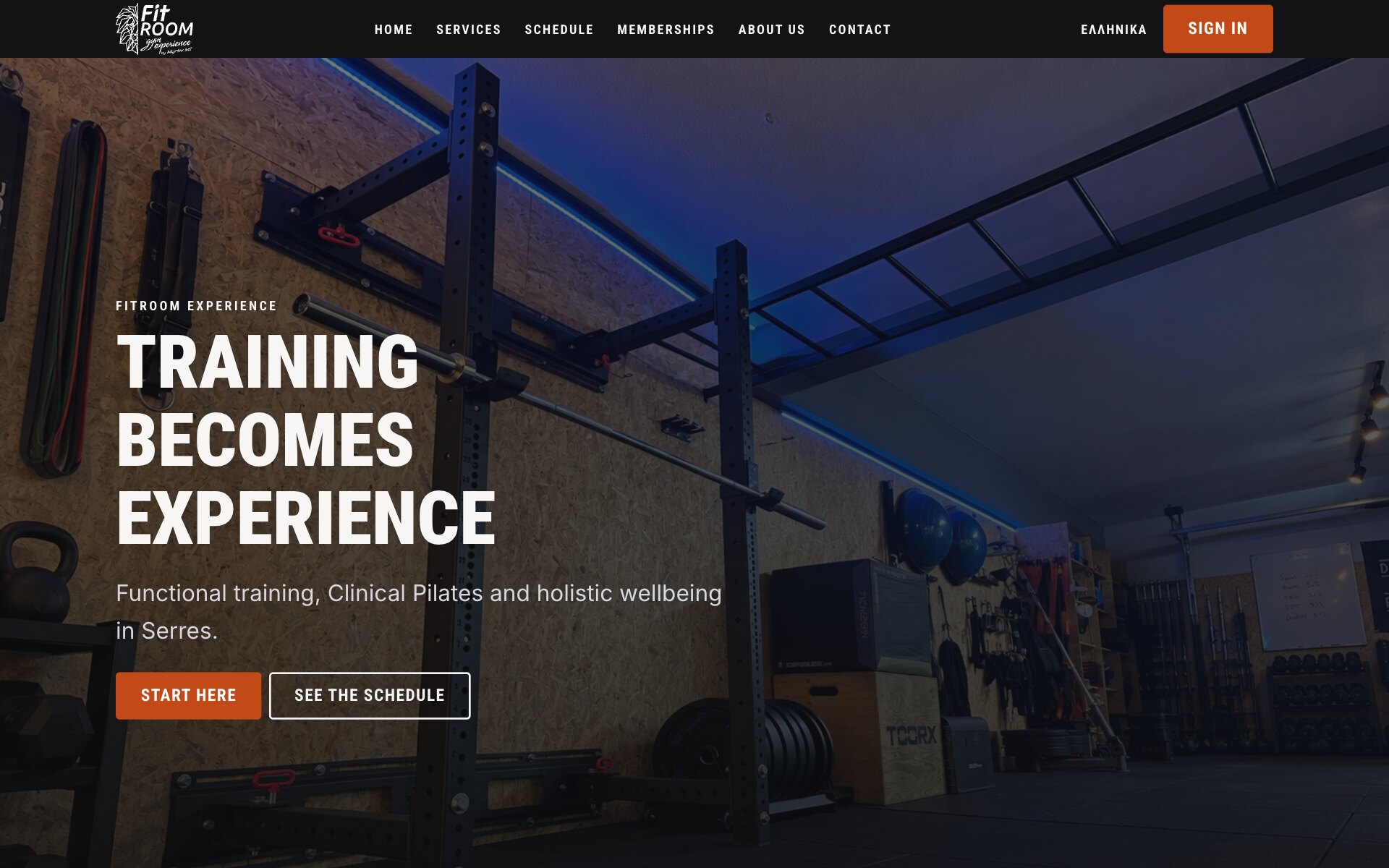
The Home Page — The Studio Itself, Then Two Ways In
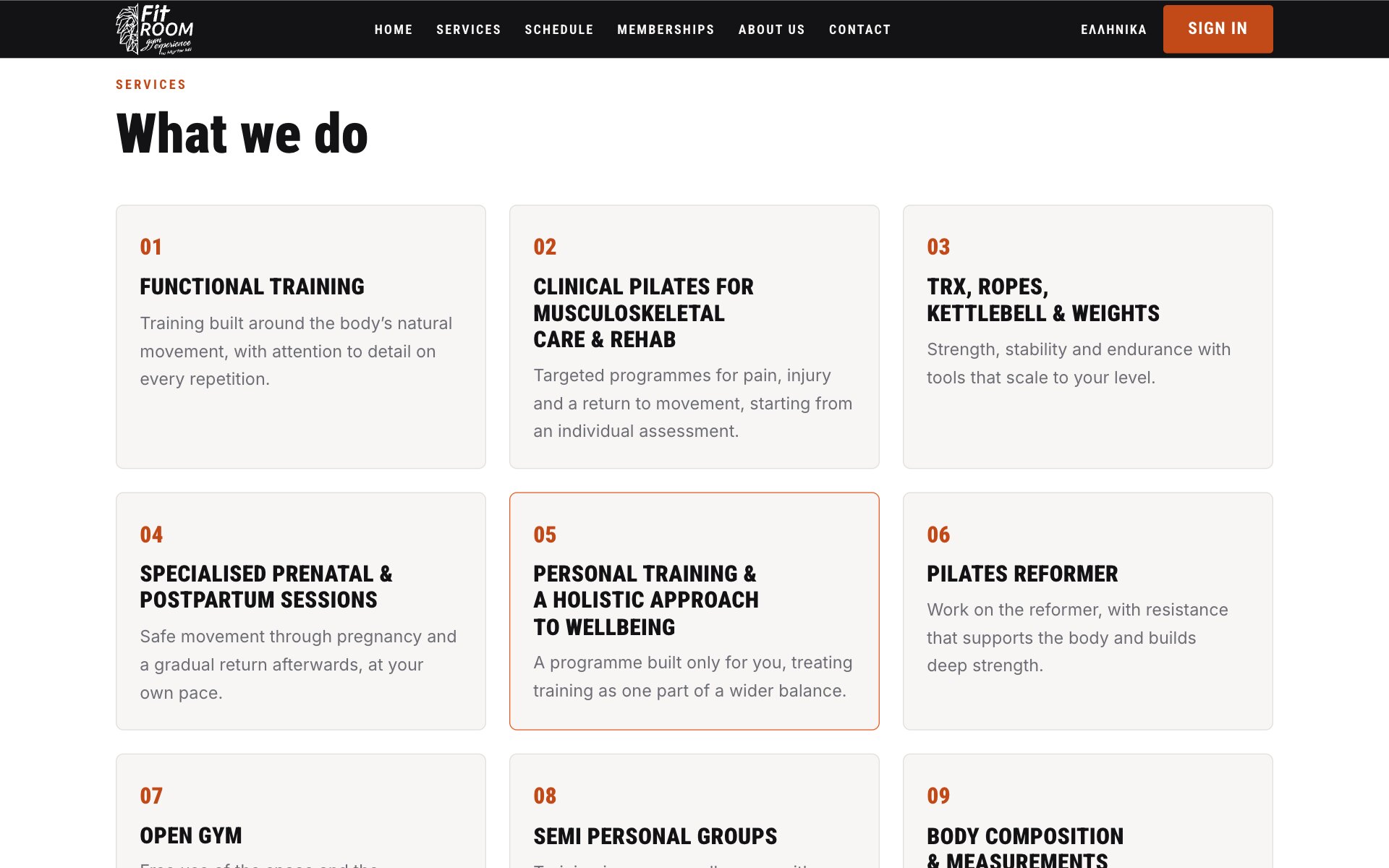
Services — Eleven Programmes, From Clinical Pilates to Open Gym
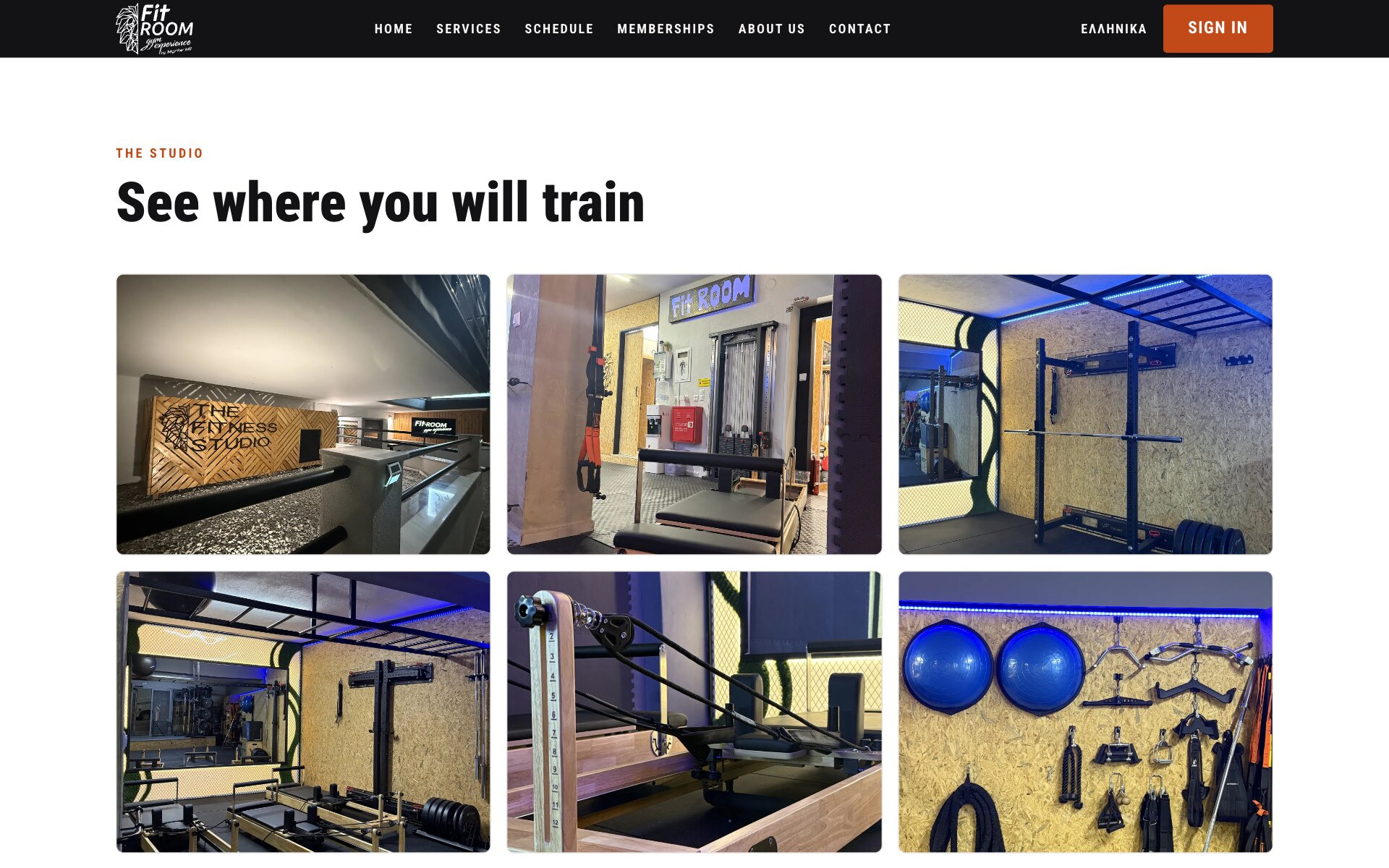
The Studio — Six Photographs of Where You Will Train
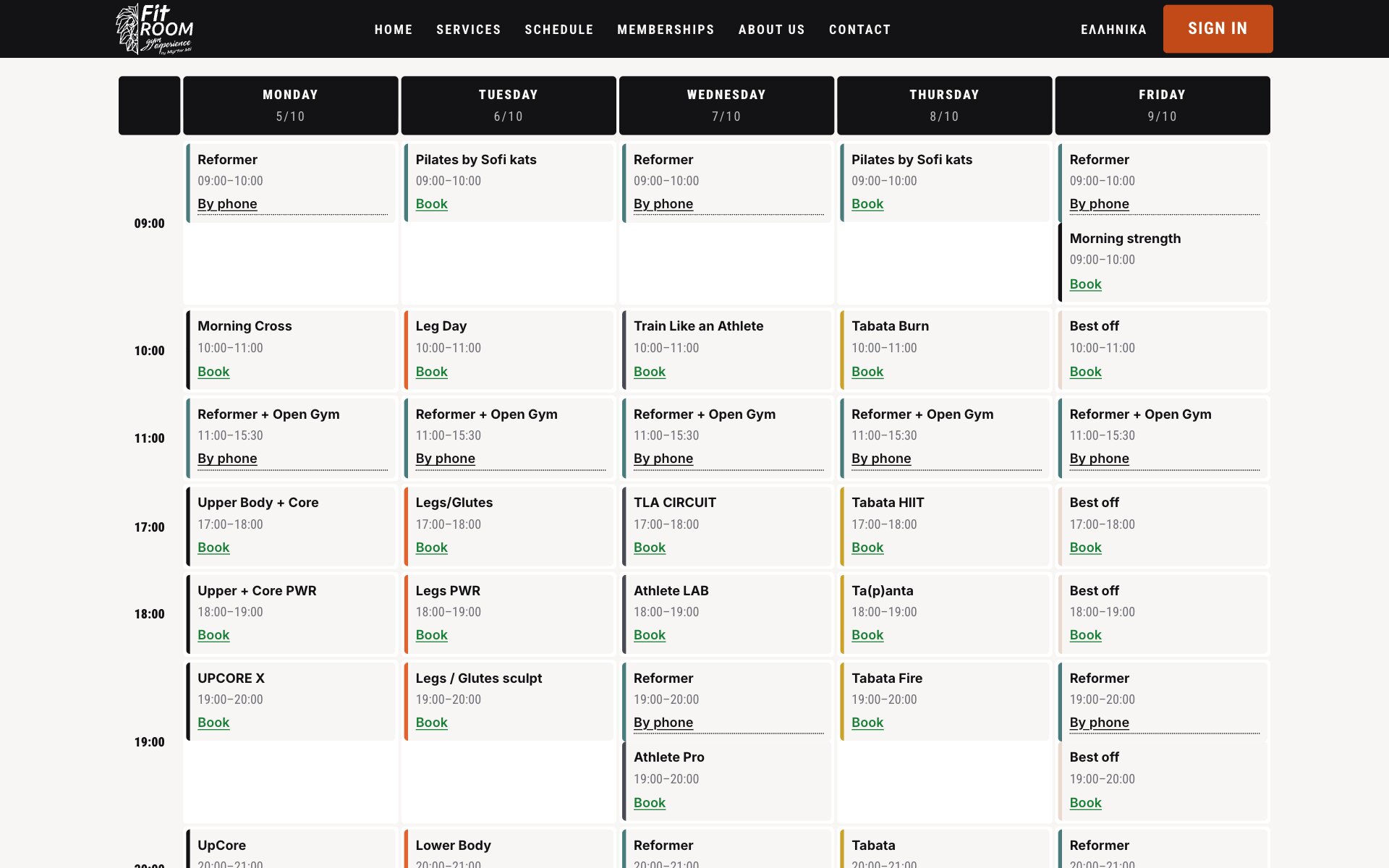
The Weekly Timetable — The Whole Week in One Grid, Each Class With Its Way to Book
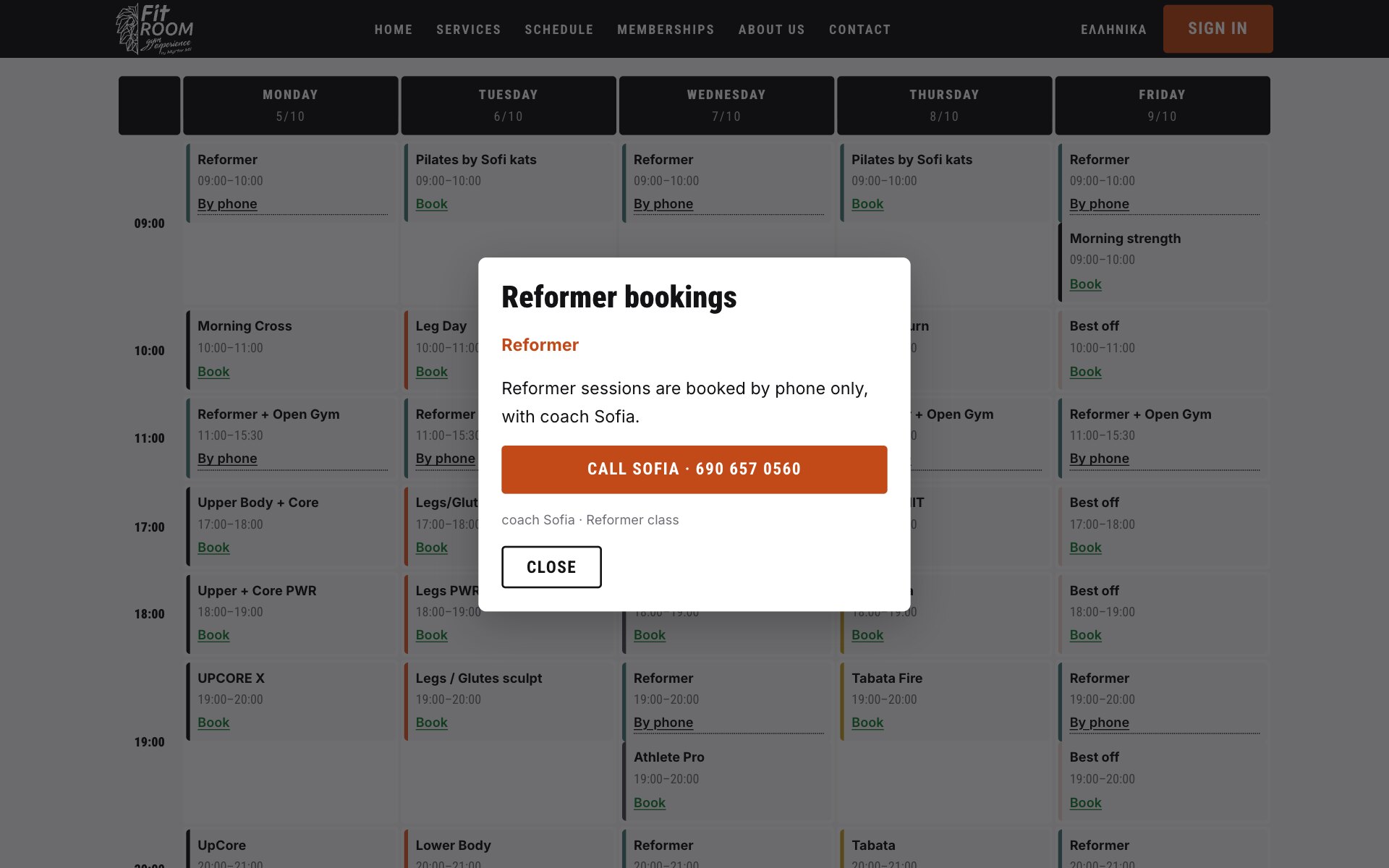
Phone-Only Classes — One Click Says How to Book, and Whom to Call
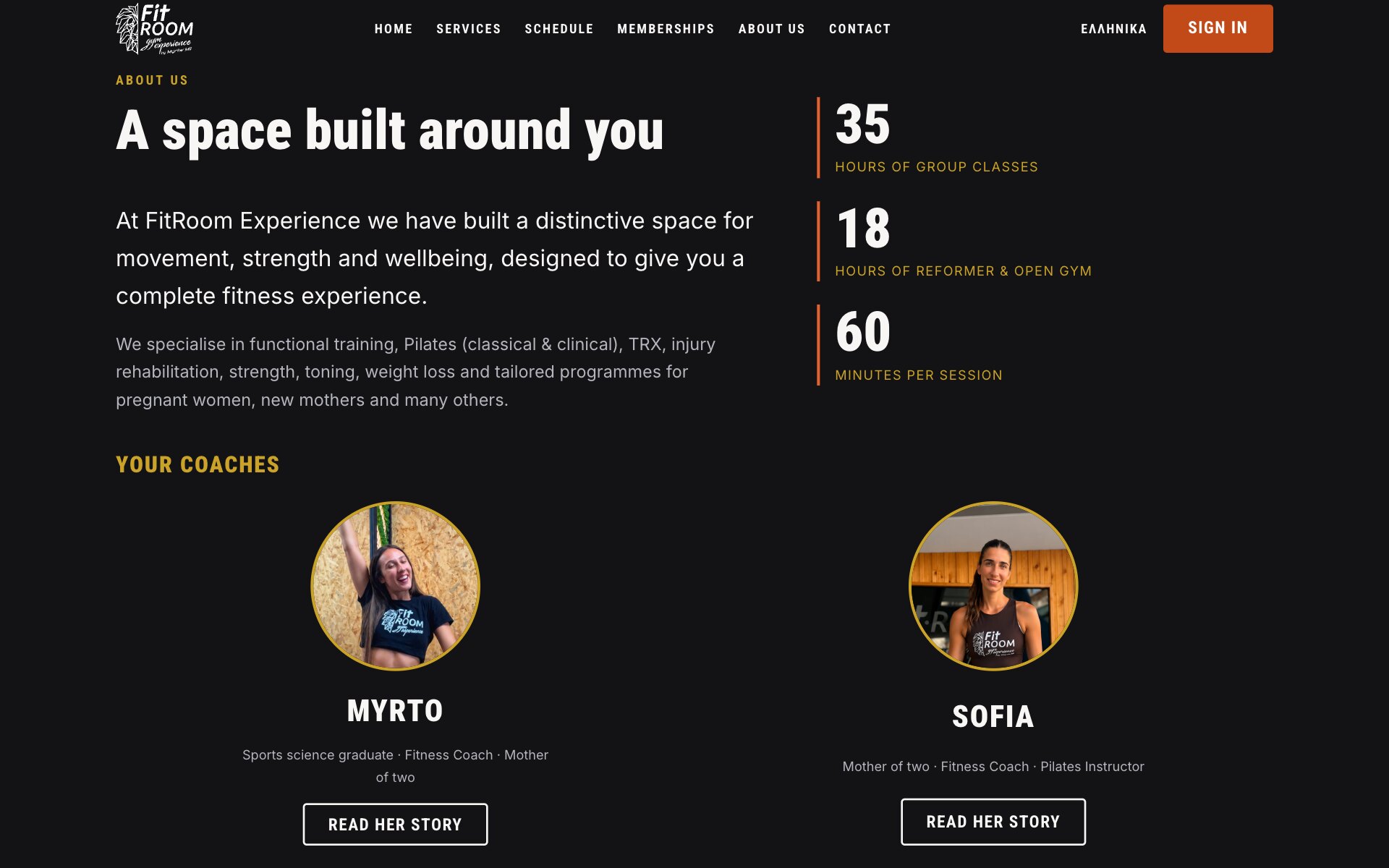
About — The Hours, the Minutes and the Two Coaches Behind Them
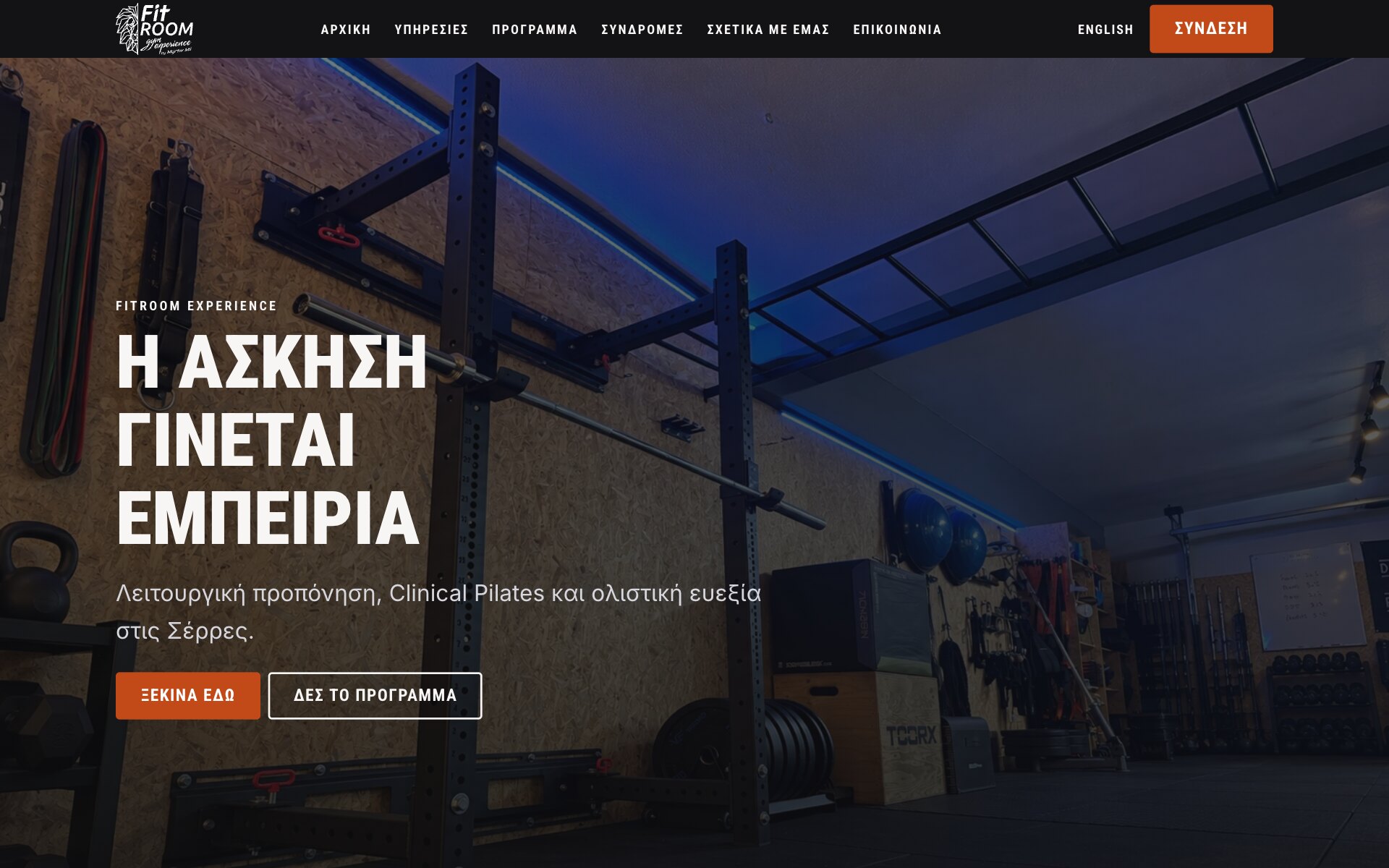
In Greek — The Same Welcome in the Gym's First Language
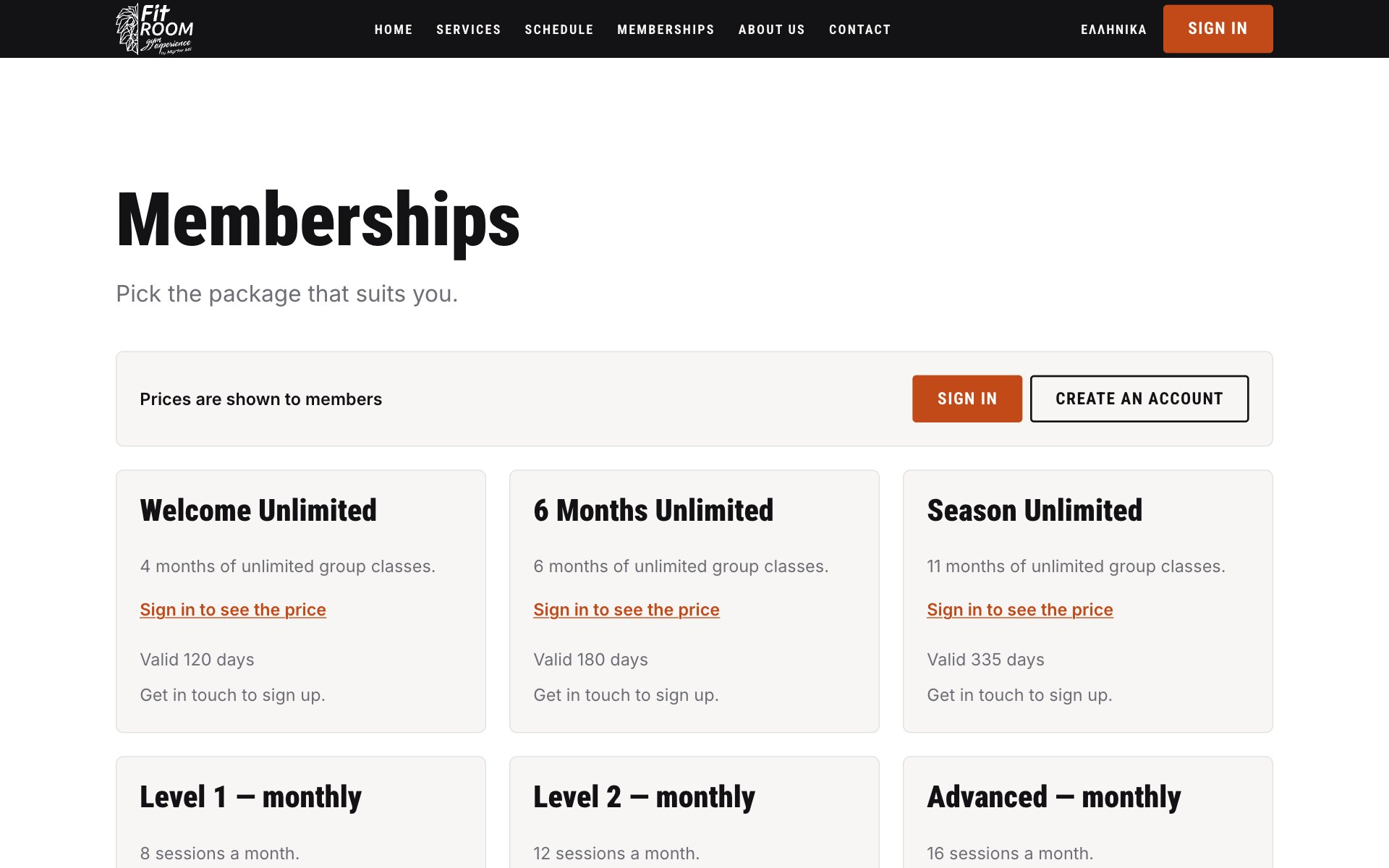
Memberships — Every Package Listed, Prices Kept for Members
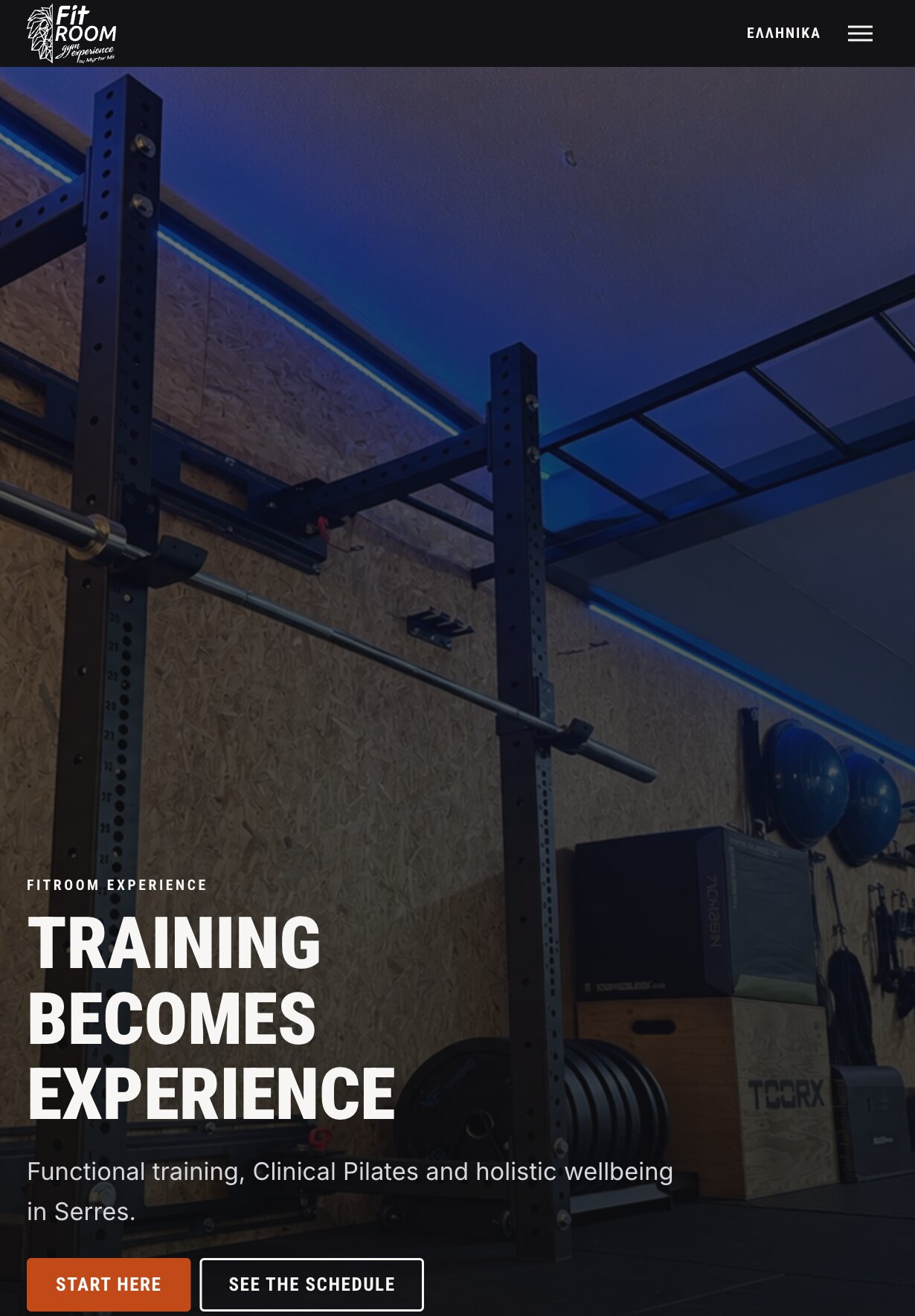
The Home Page — The Studio Photograph, Full Height on the Tablet
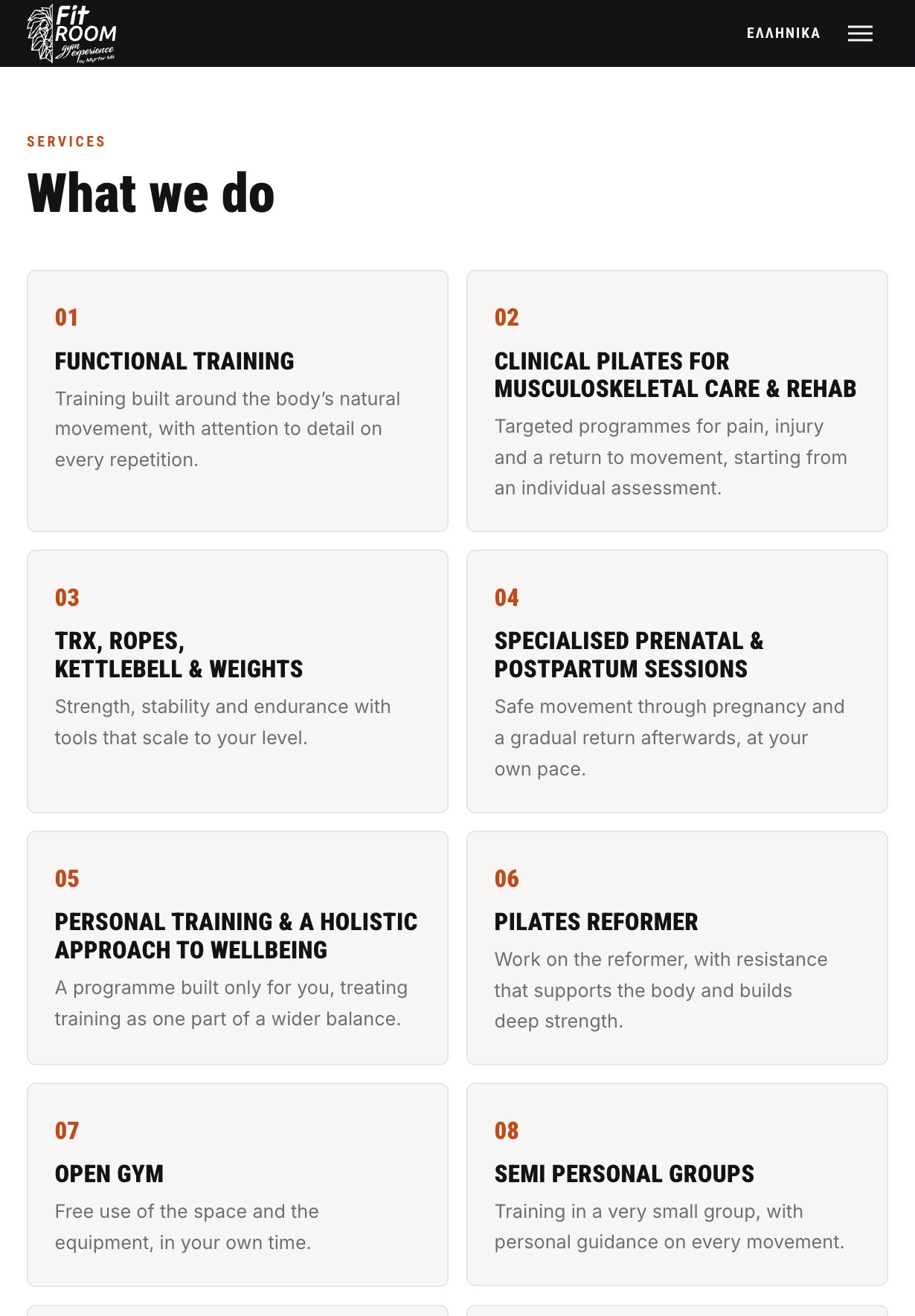
Services — Each Programme Numbered and Explained in a Line or Two
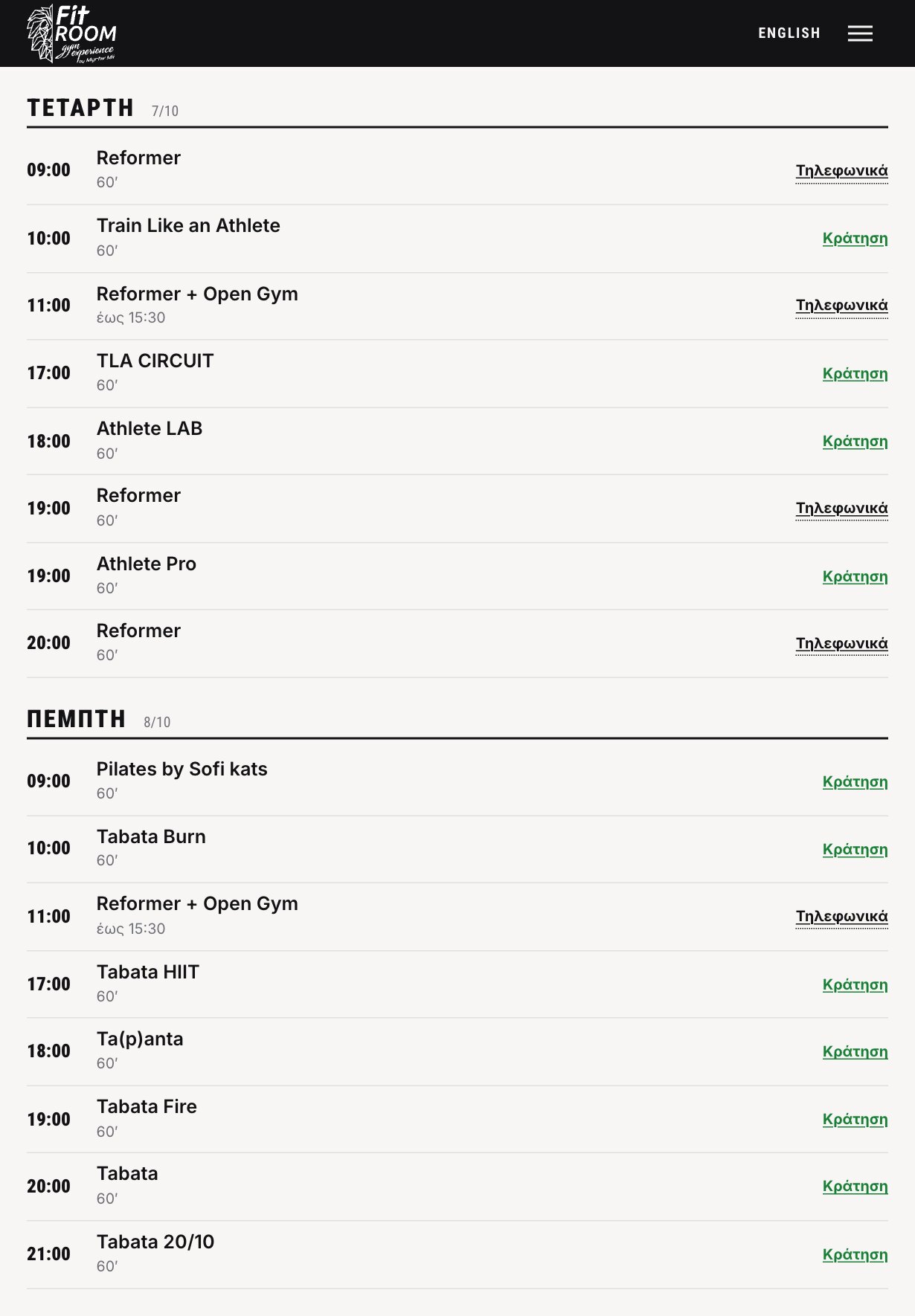
Greek Is Canonical — The Same Timetable, the Other Language
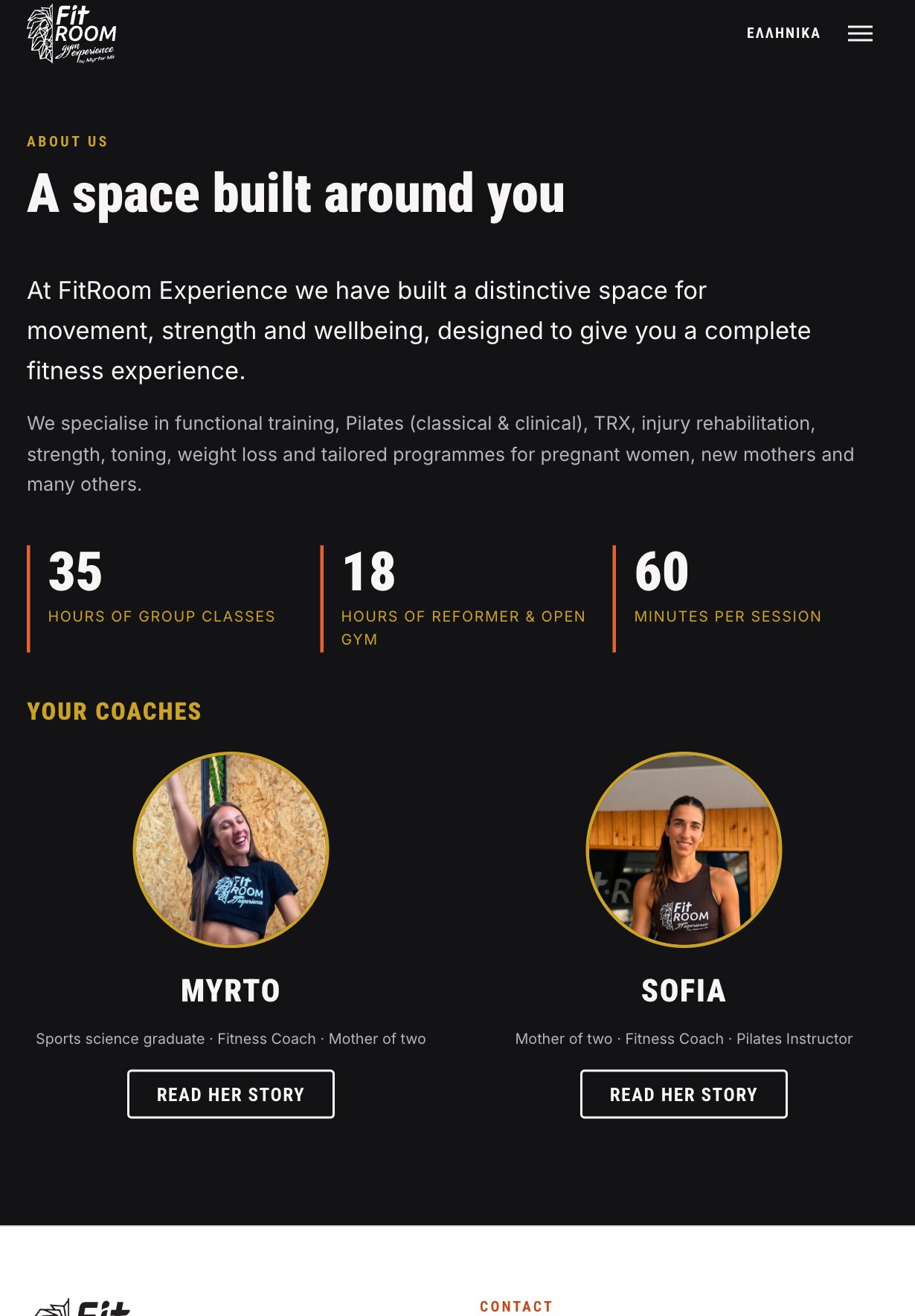
About — The Numbers Behind the Space
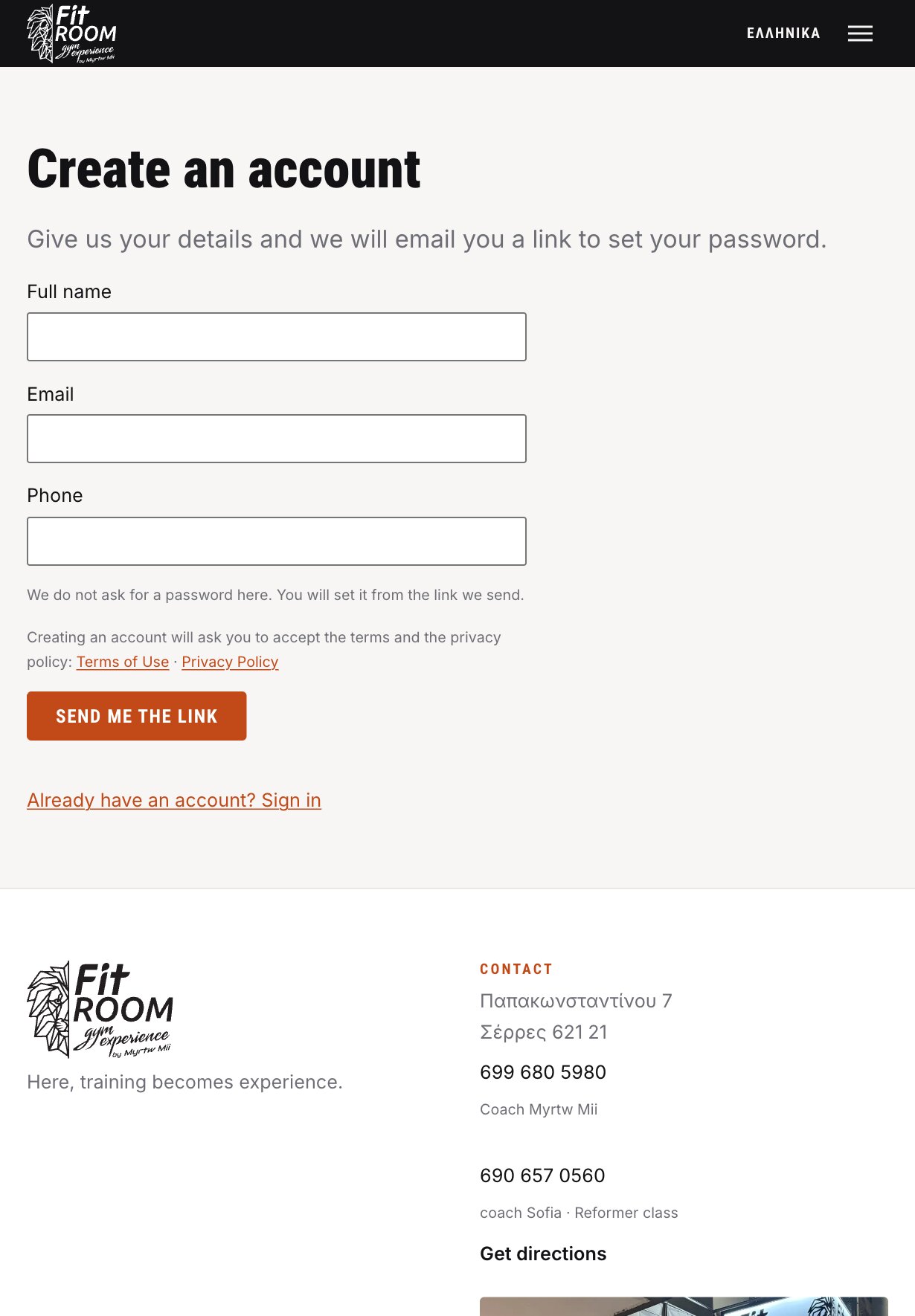
Member Registration — No Password Chosen at the Door
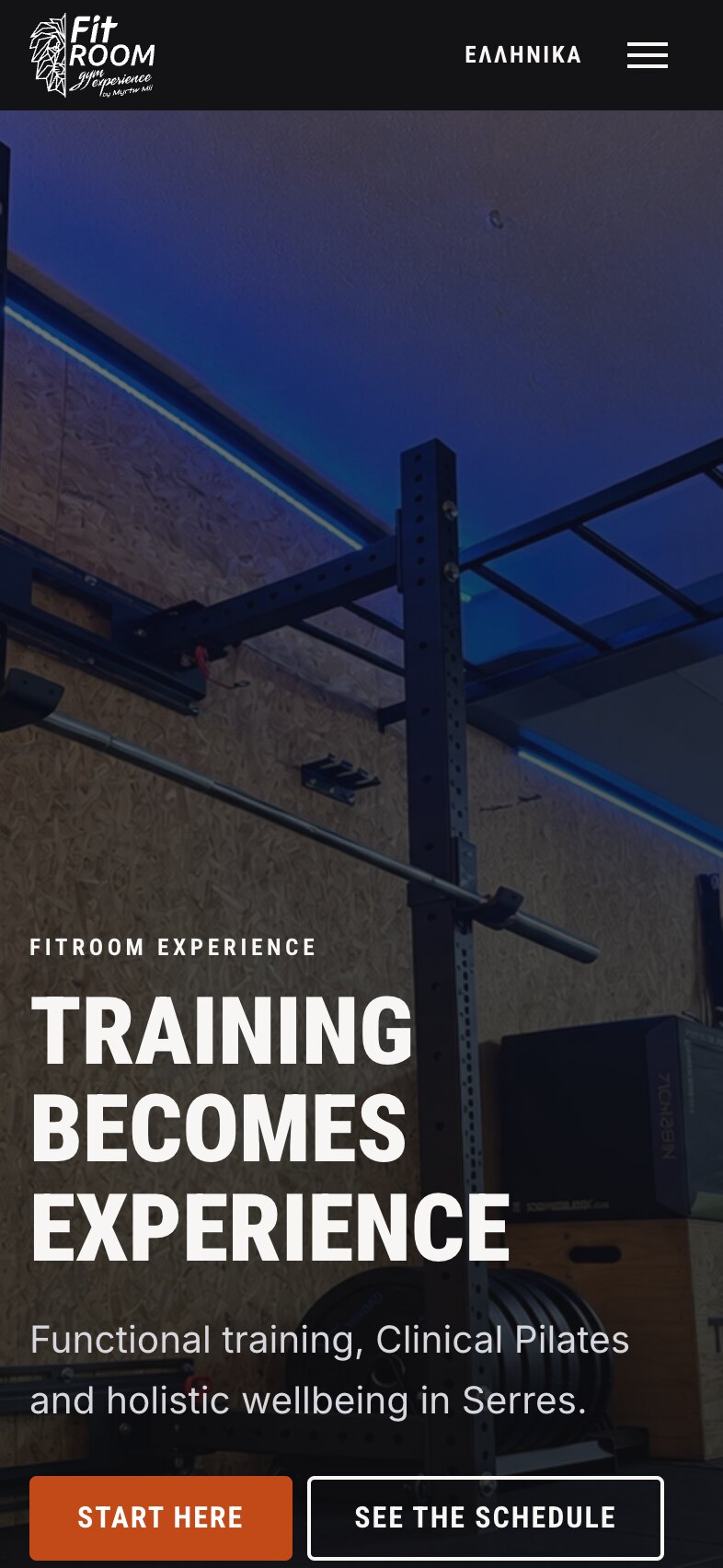
The Home Page — Rebuilt for the Phone, Both Buttons Where the Thumb Lands
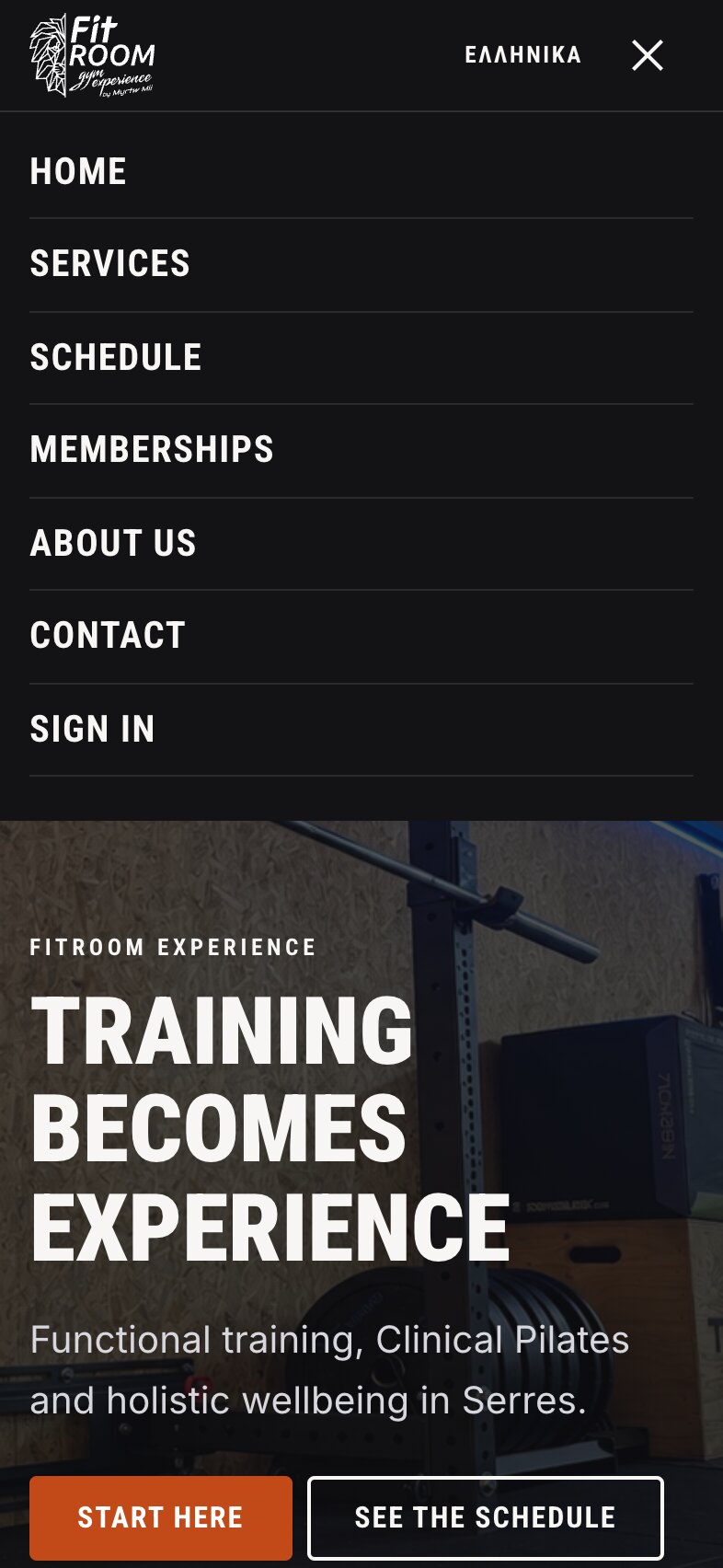
The Menu — Every Section and the Sign-In, in One Dark Panel
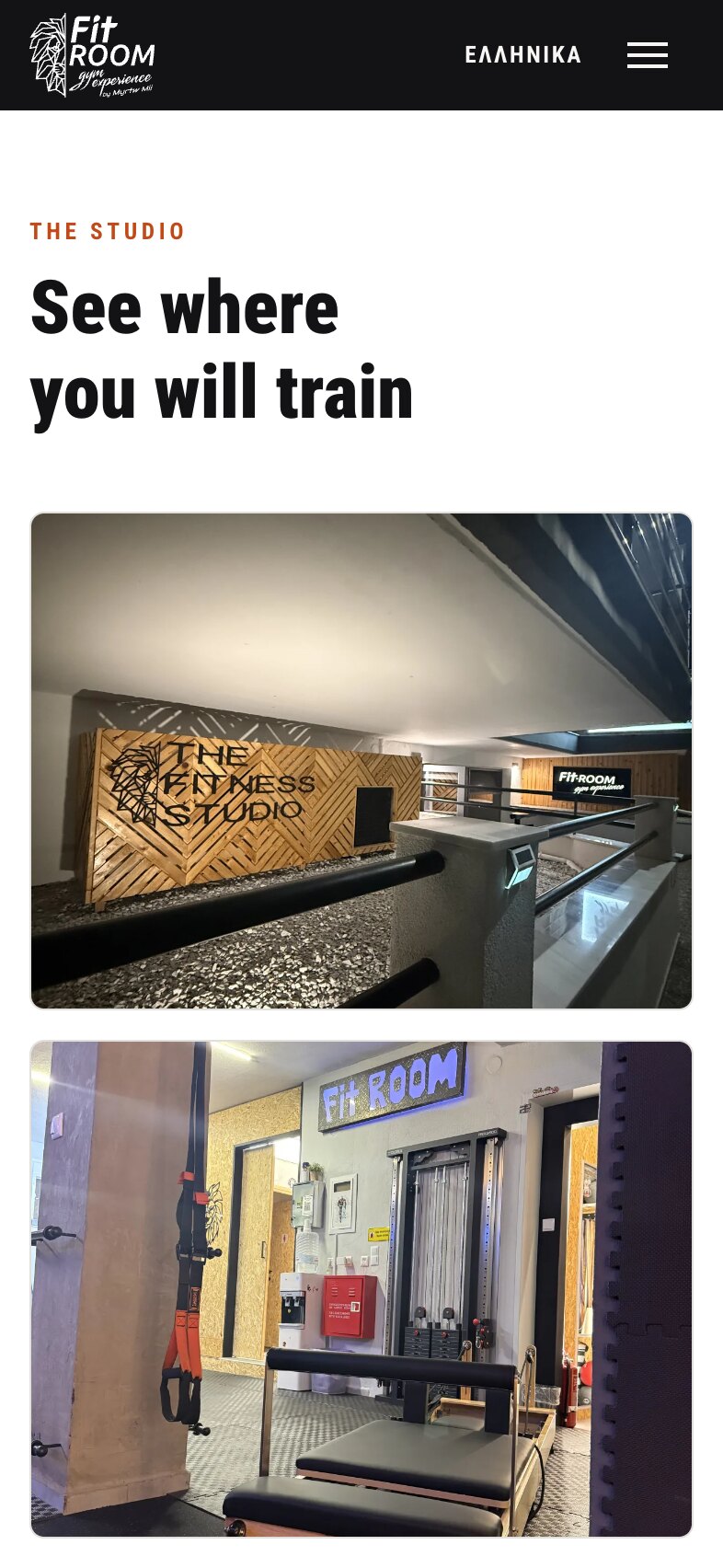
The Studio — Full-Width Photographs, One Room at a Time
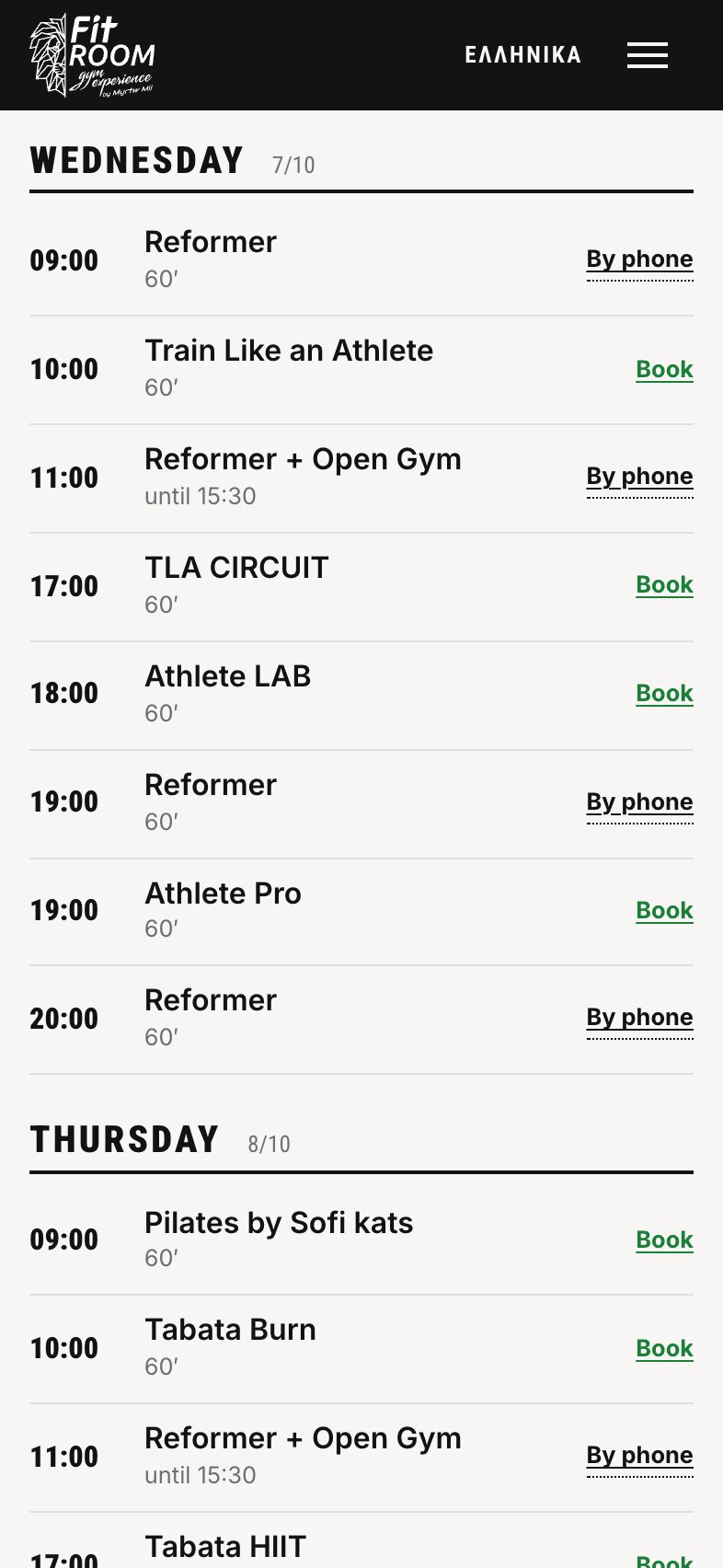
The Timetable — Day by Day, With a Way to Book on Every Row
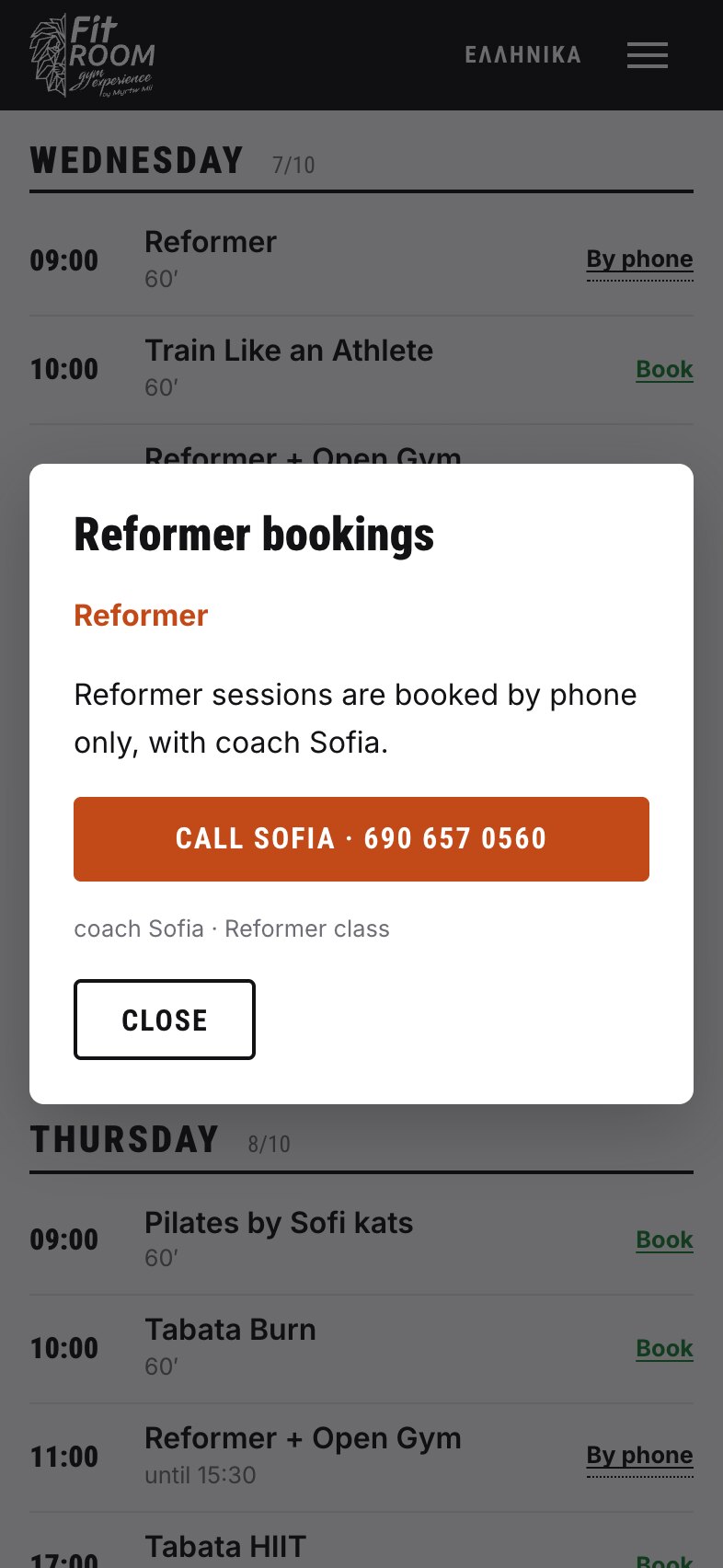
Phone-Only Classes — The Booking Number, One Tap Away
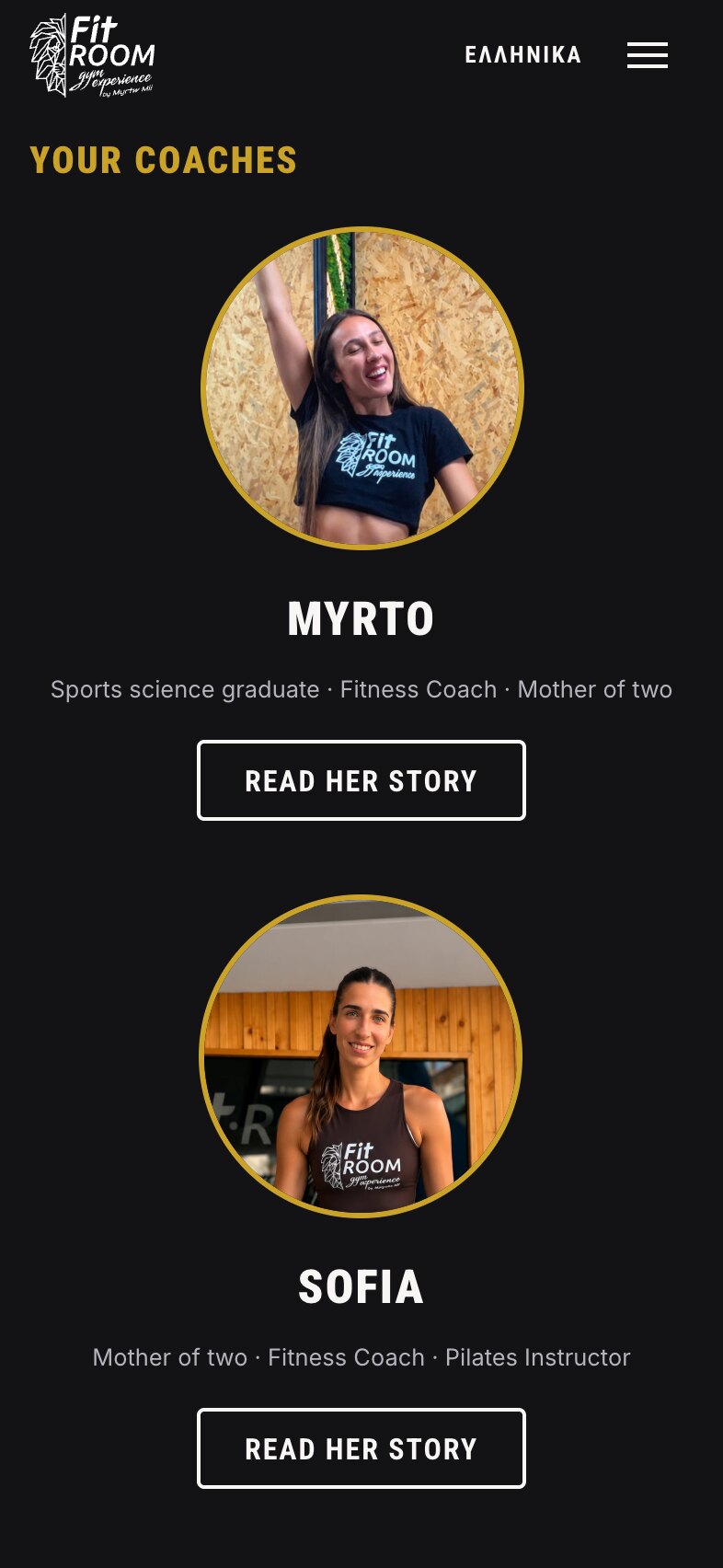
The Coaches — Faces and Credentials Before the First Class
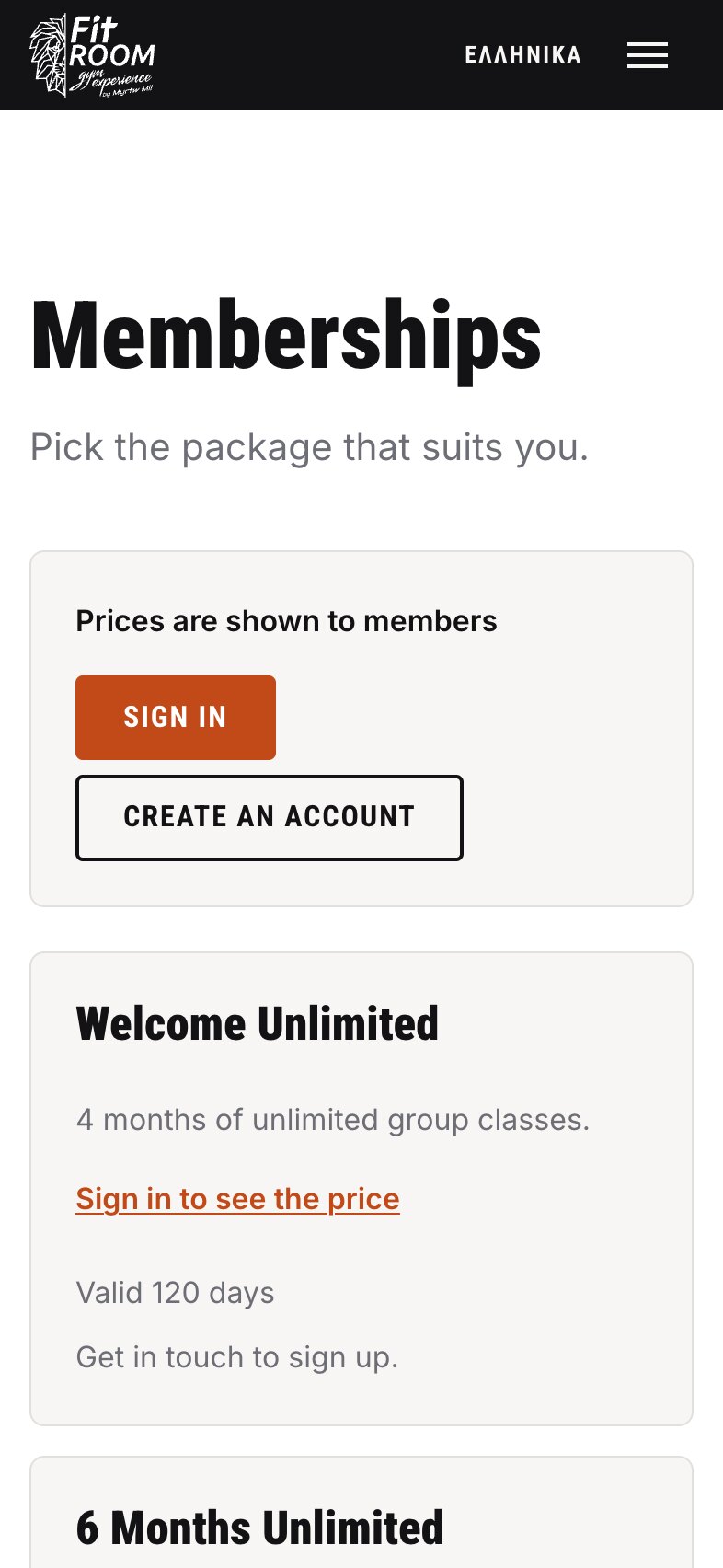
Memberships — Members Sign In and Every Price Appears
Back office
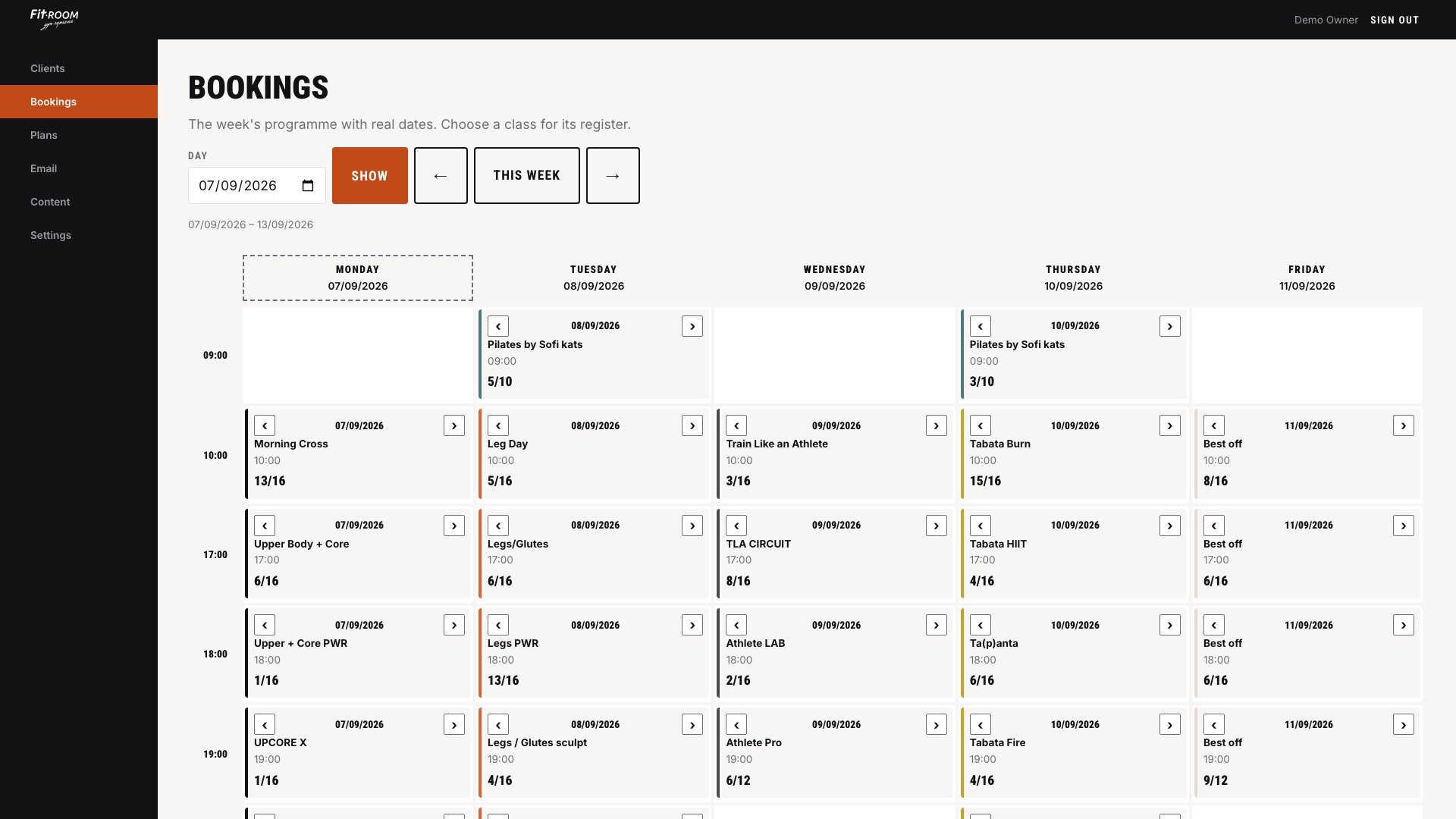
The Back Office — The Owner's Week, Every Class With Its Register
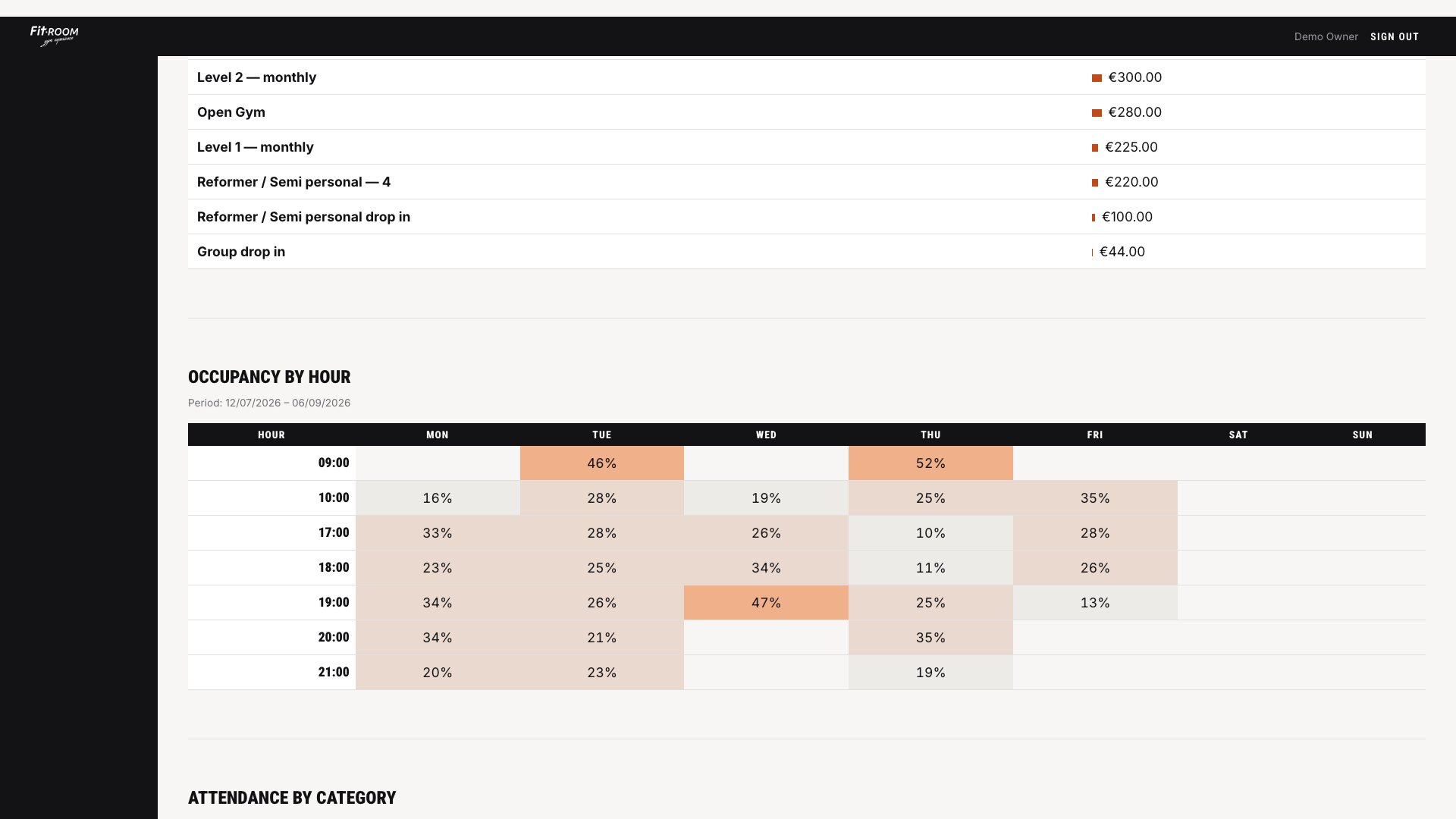
Statistics — Revenue by Plan, Occupancy by Hour
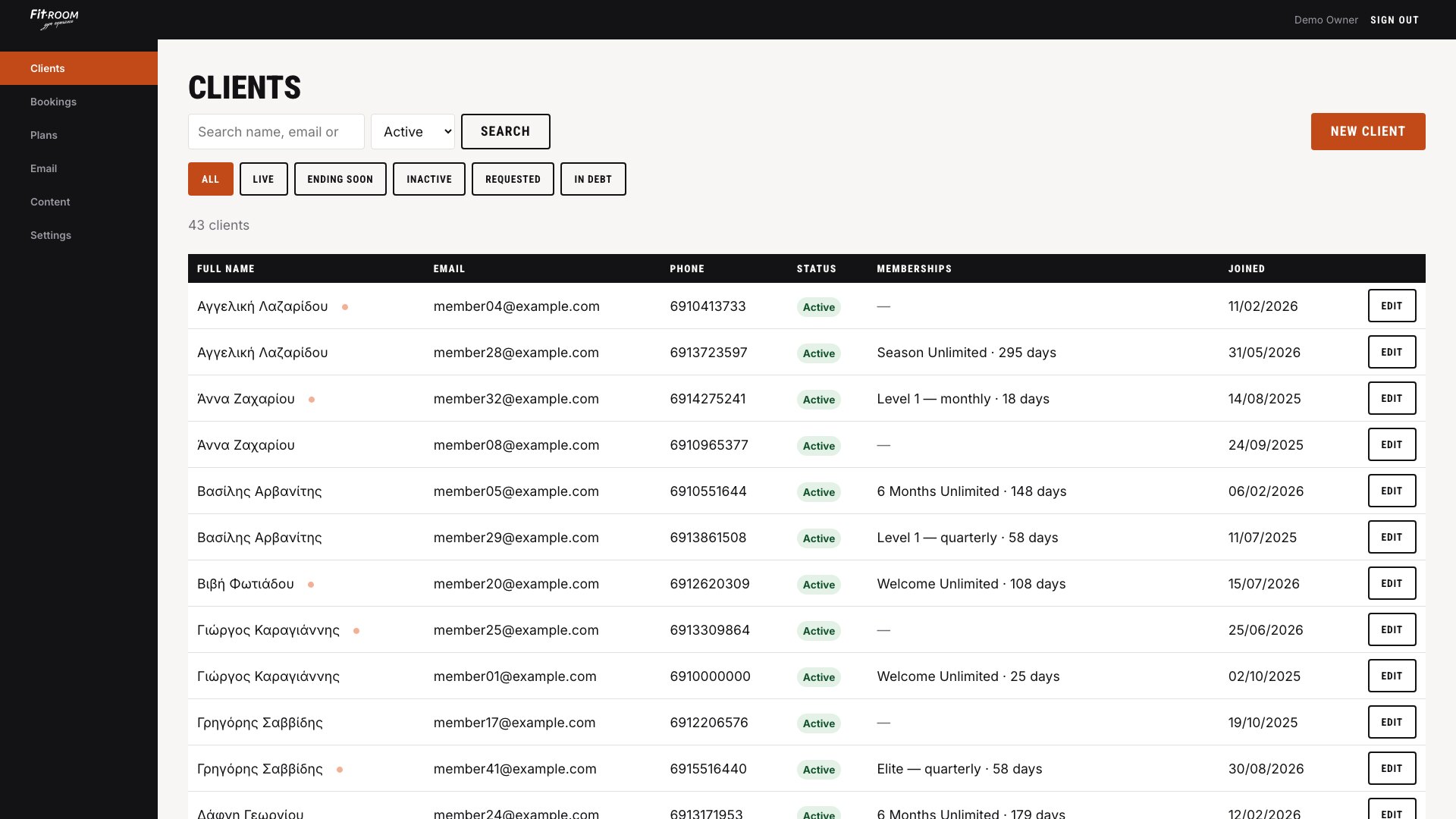
Clients — Searchable in Greek, However the Name Is Typed
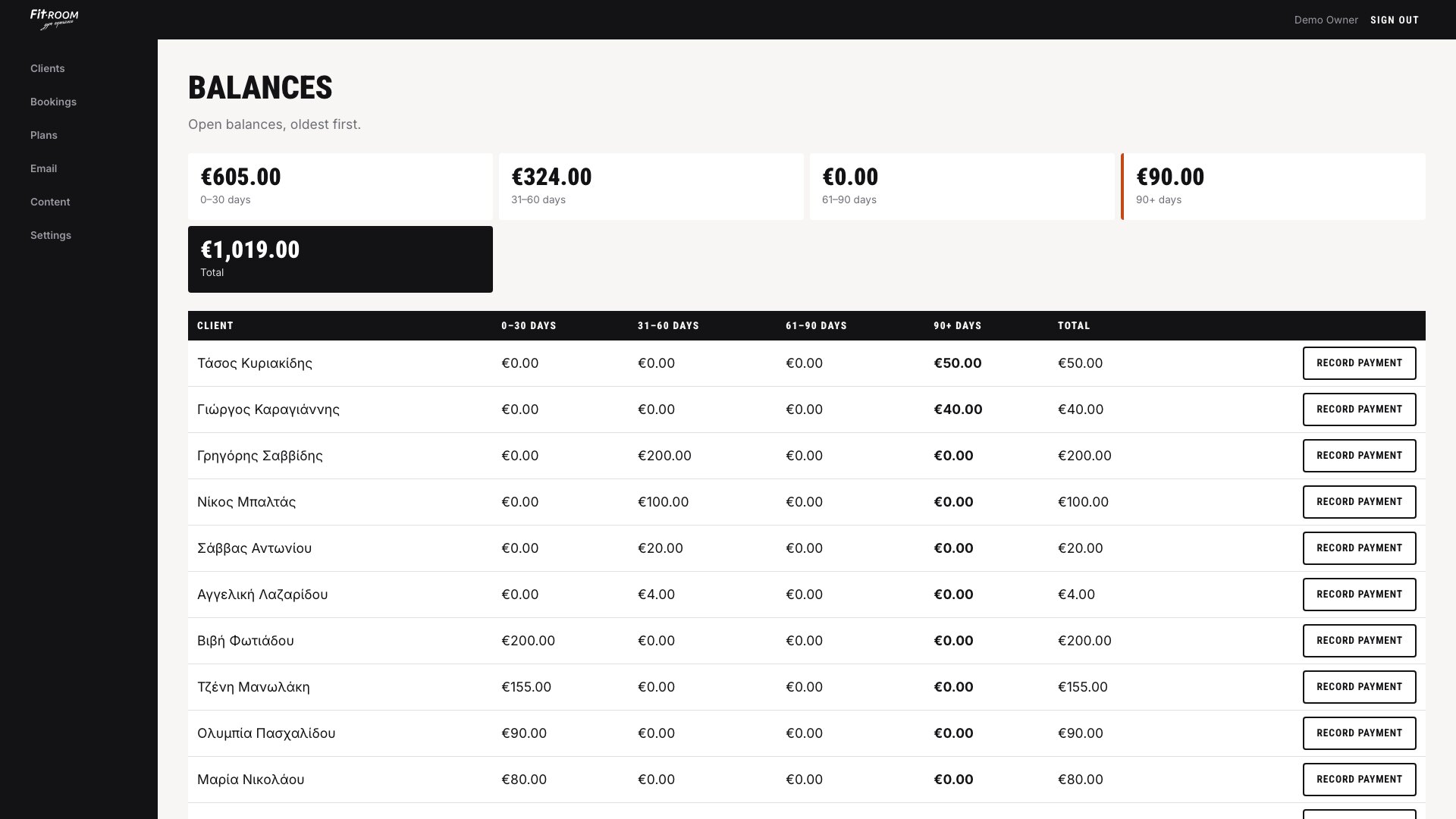
Balances — What Is Owed, Aged in Four Buckets
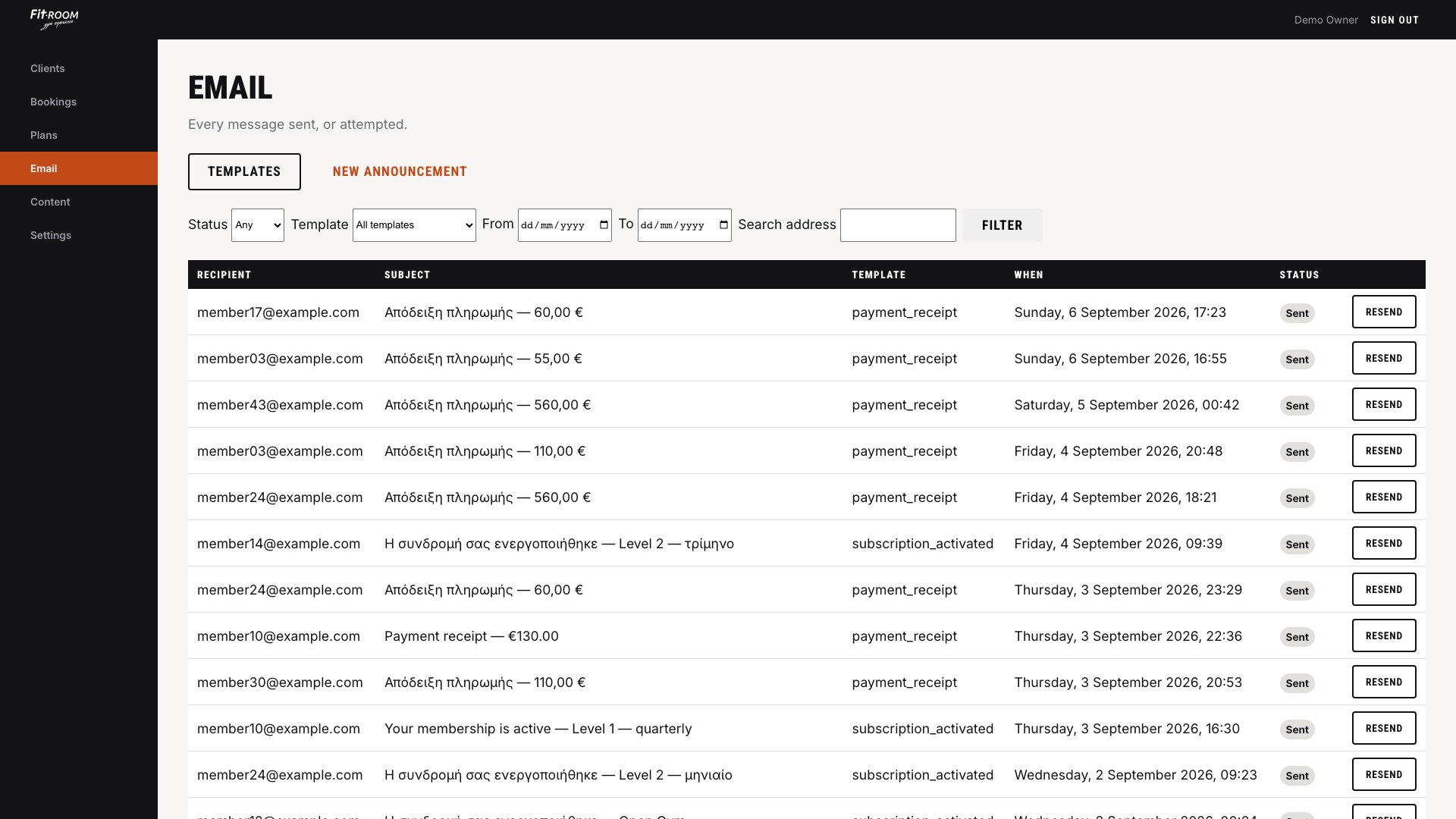
The Email Log — Every Message, in the Member's Own Language
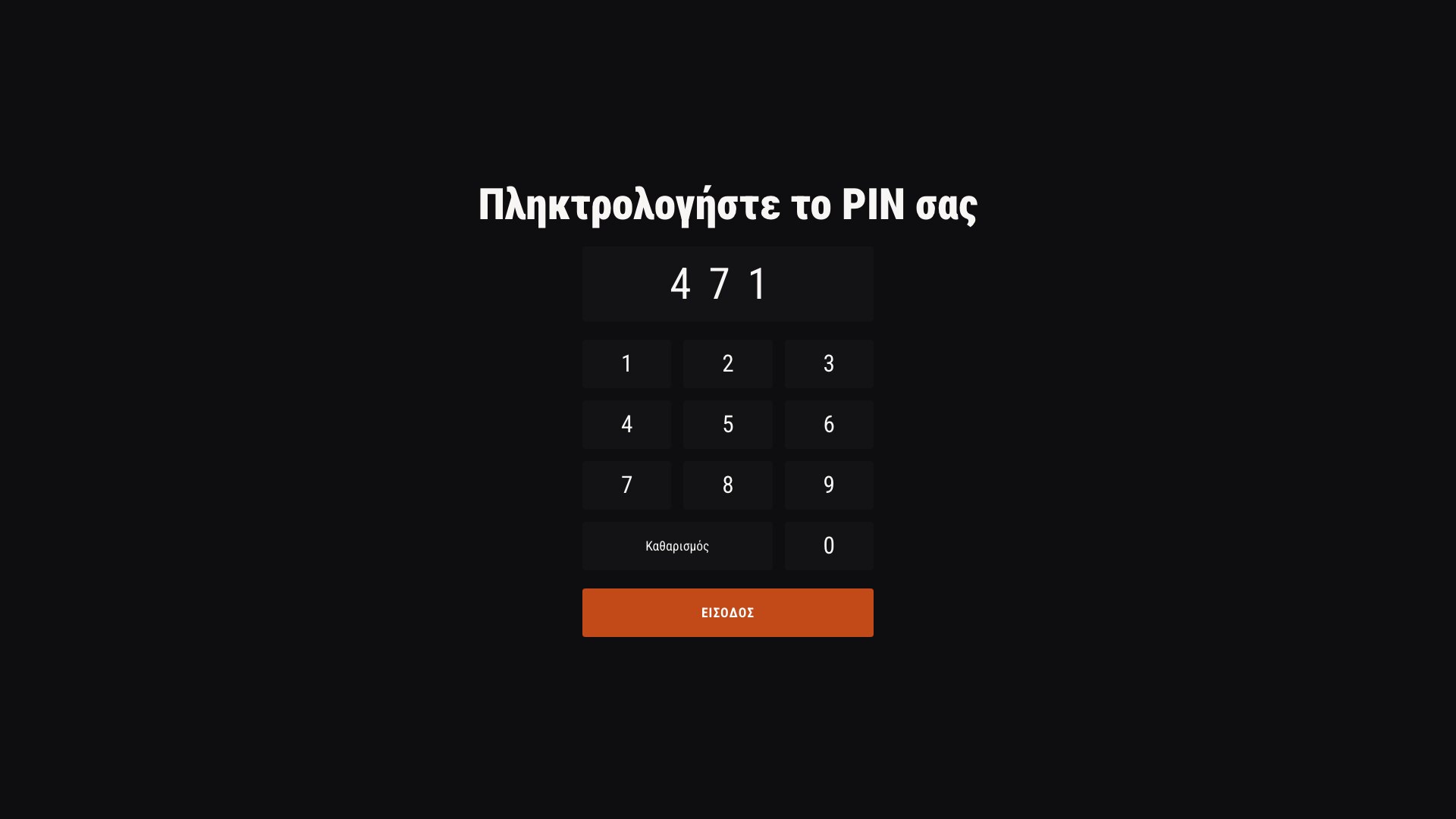
The Door Kiosk — A Four-Digit PIN, No Staff Needed